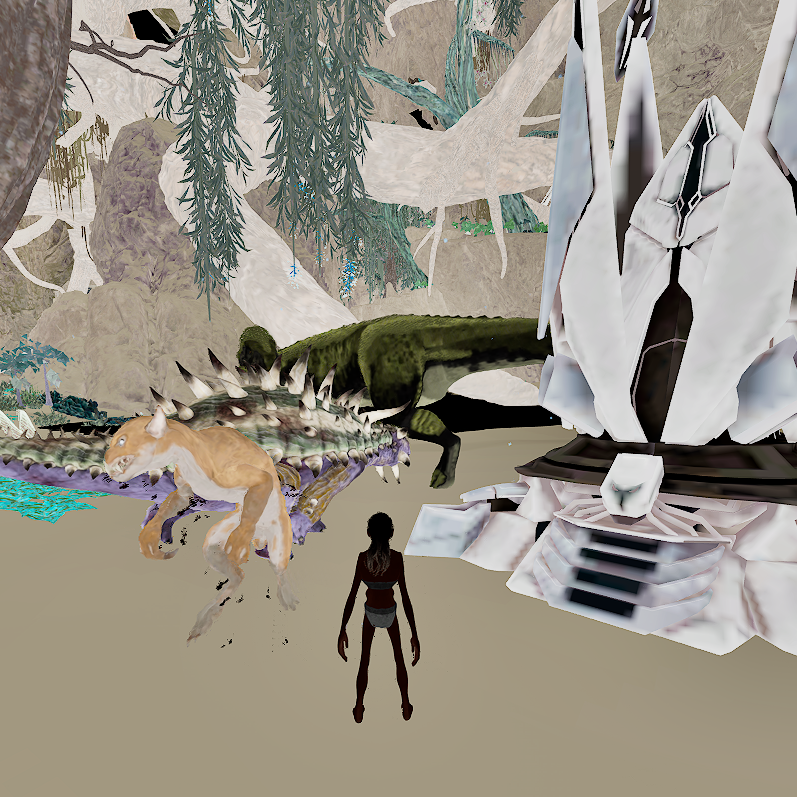
To activate Preview Mode, open the in-game menu by pressing ESC, where the Settings menu is located. Inside this menu, you will find the Preview Mode option. Clicking it will enable the lightweight visual enhancement version.
Preview Mode is designed to improve visibility and performance by adjusting post-processing settings, increasing brightness and clarity, and optionally reducing visual clutter. This includes features such as:
Enhanced lighting and color clarity
Reduced shadow intensity
Improved environmental visibility
Optional foliage reduction for clearer line of sight
Performance-focused visual adjustments
Additionally, there is a Remove Foliage option available in the same menu. This feature temporarily hides foliage elements such as grass and leaves to improve visibility and boost FPS during gameplay. You can also use the Reset All option to restore all visual settings back to default at any time.
If you experience any issues, have questions, or need assistance, feel free to join our Discord community:
DISCORD: https://discord.gg/rayUQHNkgb
We’ll be happy to help.