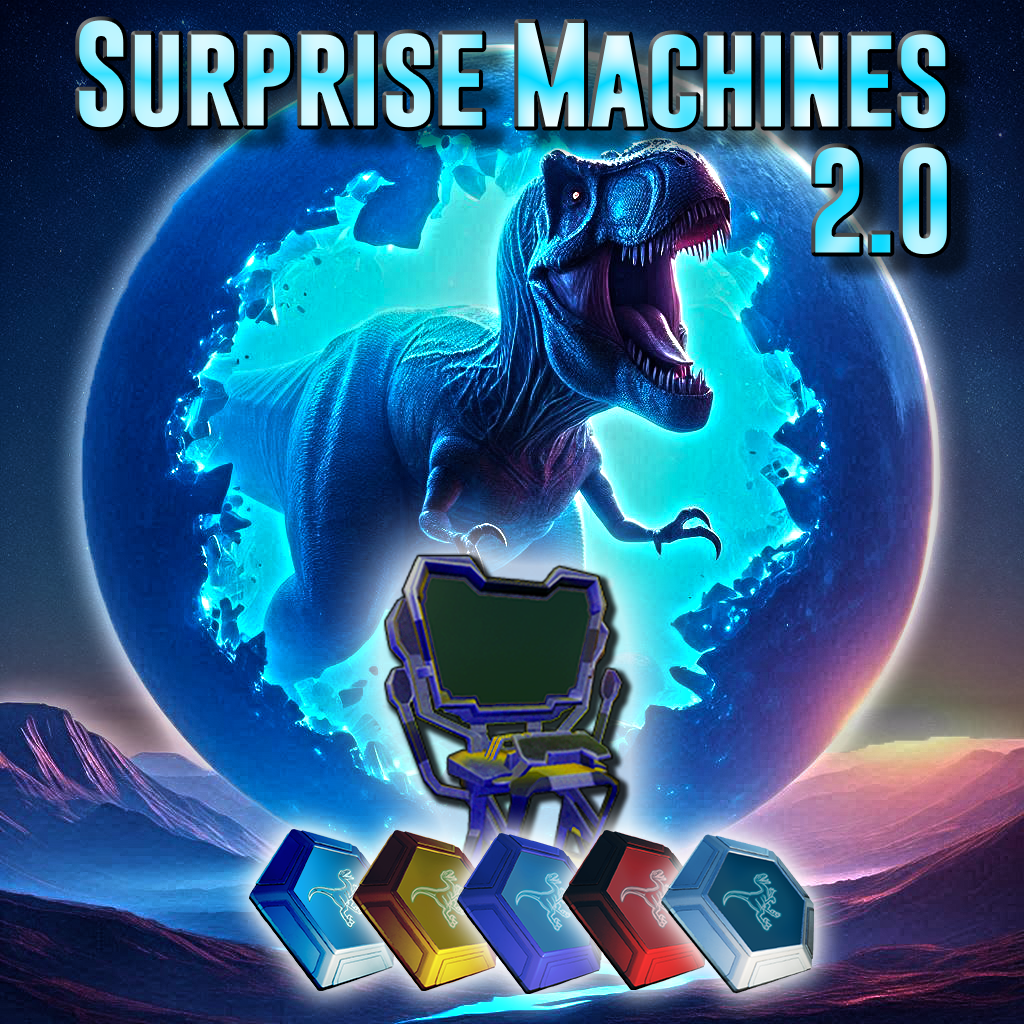
Surprise Machines 2.0
Upgrade any server community with the addition of Surprise Machines!!
These amazing machines allow players the ability to add new dinos to their collection by crafting Basic Tokens at the Token Converter that they can place at their base. The cost for these Basic Tokens can, and should, be customized by server admins. Once you have a Basic Token in your possession, make your way to the nearest Surprise Machine. (Surprise Machines can only be spawned in by admins) Use your Basic Token to craft a Dino Surprise Ball!! Throw out the Surprise Ball to see your wonderous new dino friend!
Admin Setup:
Token Converter:
To set up the Surprise Machines mod, you should first decide if you want a currency system for the Tokens, and how they would be used for the Surprise Machines. If you are planning on only having 1 Surprise Machine, then all you need to do is place a Token Converter. Access the Admin Panel by selecting it from the Token Converter radial wheel menu. Once open, you'll notice that the crafting cost for 1 Basic Token is set to 100k Metal Ingots. This is done so that players don't craft a bunch of Tokens before the Admins have a chance to set up the system. So you will want to change that to something a little more reasonable. To change it, simply select the item you want to be used in the recipe from the drop down menu at the top, then type the amount of that item you want to be used, then click the "Plus" button to add it to the recipe. Then you can click on the Trash Can button next to the Metal Ingots. From this point you can either add more items, or click the "X" in the top right to close and save your adjustments.
Token Exchange:
If you plan to use more than just one Surprise Machine, or if you wish to develop a better currency for your server community, then I would suggest using the Token Exchange. The Token Exchange is set up to allow players to convert Basic Tokens into higher tiered tokens. The default conversion rate is: 10 Basic Tokens = 1 Ruby Token, 5 Ruby Tokens = 1 Sapphire Token, 5 Sapphire Tokens = 1 Gold Token, and finally 3 Gold Tokens = 1 Platinum Token. These numbers can be adjusted using the ini commands below. As a server admin/owner you also have the option to disable the Token Exchange engram, but still use the exchange. This will just prevent players from crafting it at their base, and cause you to have to spawn it in and place it in a community center, or something similar. To do this go to your game.ini file and make sure you are under this heading: [/script/shootergame.shootergamemode]
Then simply enter this command line: OverrideNamedEngramEntries=(EngramClassName="EngramEntry_TokenExchange_C",EngramHidden=true)
Surprise Machine:
The last part to set up is the Surprise Machines. With this new update, there are a lot of new changes, so pay attention! To spawn in the Surprise Machine, use the Blueprint code or gfi command from below, or place a Token Convert and open the Admin Panel, then click on the "Spawn Surprise Machine" button. This will place one directly into your inventory. Now you're ready to set it up. First you will need to place it down, and access the Admin Panel from the Radial Wheel menu. Once the Admin Panel is open, you need to choose the type of dino you want this machine to give; All, Land Only, Flyers Only, Water Only, or Single Dino. Next select the wild levels, before bonus levels, for your dinos. (Bonus levels will be given when the Dino Ball is tossed out) Now find all the dinos you don't want the machine to give, and uncheck the box. Now the machine will only choose from the dinos listed that have a checkmark in their box. Next you can change the percentage chance for each dino to be chosen by changing the number in the box for that dino next to "chance". (Higher numbers have a better chance to spawn than lower numbers.) Finally, choose what Token will be required to craft the Dino Ball in this machine. Make sure you click the Save & Close button, or your changes will not be saved.
Set up a Surprise Machine for each dino type, or select Single Dino from the type list and choose the dino you want for this machine, and save it. Now you can set up an admin shop with a machine for each type of dino! A machine for Rexes, a machine for Gigas, a machine for Mosas, a machine for each separate type of dino you want.... Create a shopping mall of Surprise Machines!!
For more information or for support, please join me on discord at [https://discord.gg/d6pA6JKFbE]
Spawn Commands:
Token Converter:
cheat giveitem "/DinoSpawnMachine/Converter/PrimalItemStructure_DSM_Converter.PrimalItemStructure_DSM_Converter" 1 0 0
cheat gfi Converter 1 0 0
Token Exchange:
cheat giveitem "/DinoSpawnMachine/TokenExchange/PrimalItemStructure_TokenExchange.PrimalItemStructure_TokenExchange" 1 0 0
cheat gfi TokenExchange 1 0 0
Surprise Machine:
cheat giveitem "/DinoSpawnMachine/Spawner/PrimalItemStructure_DSM_DinoMachine.PrimalItemStructure_DSM_DinoMachine" 1 0 0
cheat gfi DinoMachine 1 0 0
Surprise Ball:
cheat giveitem "/DinoSpawnMachine/DinoBall/PrimalItem_DinoBall_Basic.PrimalItem_DinoBall_Basic" 1 0 0
cheat gfi DinoBall_Basic 1 0 0
Tokens:
cheat giveitem "/DinoSpawnMachine/Token/PrimalItemResource_BasicToken.PrimalItemResource_BasicToken" 1 0 0
cheat gfi BasicToken 1 0 0
cheat giveitem "/DinoSpawnMachine/Token/PrimalItemResource_Token_Gold.PrimalItemResource_Token_Gold" 1 0 0
cheat gfi Token_Gold 1 0 0
cheat giveitem "/DinoSpawnMachine/Token/PrimalItemResource_Token_Platinum.PrimalItemResource_Token_Platinum" 1 0 0
cheat gfi Token_Platinum 1 0 0
cheat giveitem "/DinoSpawnMachine/Token/PrimalItemResource_Token_Ruby.PrimalItemResource_Token_Ruby" 1 0 0
cheat gfi Token_Ruby 1 0 0
cheat giveitem "/DinoSpawnMachine/Token/PrimalItemResource_Token_Sapphire.PrimalItemResource_Token_Sapphire" 1 0 0
chate gfi Token_Sapphire 1 0 0
ini Configs:
NumBasicTokenToCraftRuby=10
NumRubyTokenToCraftSapphire=5
NumSapphireTokenToCraftGold=5
NumGoldTokenToCraftPlatinum=3