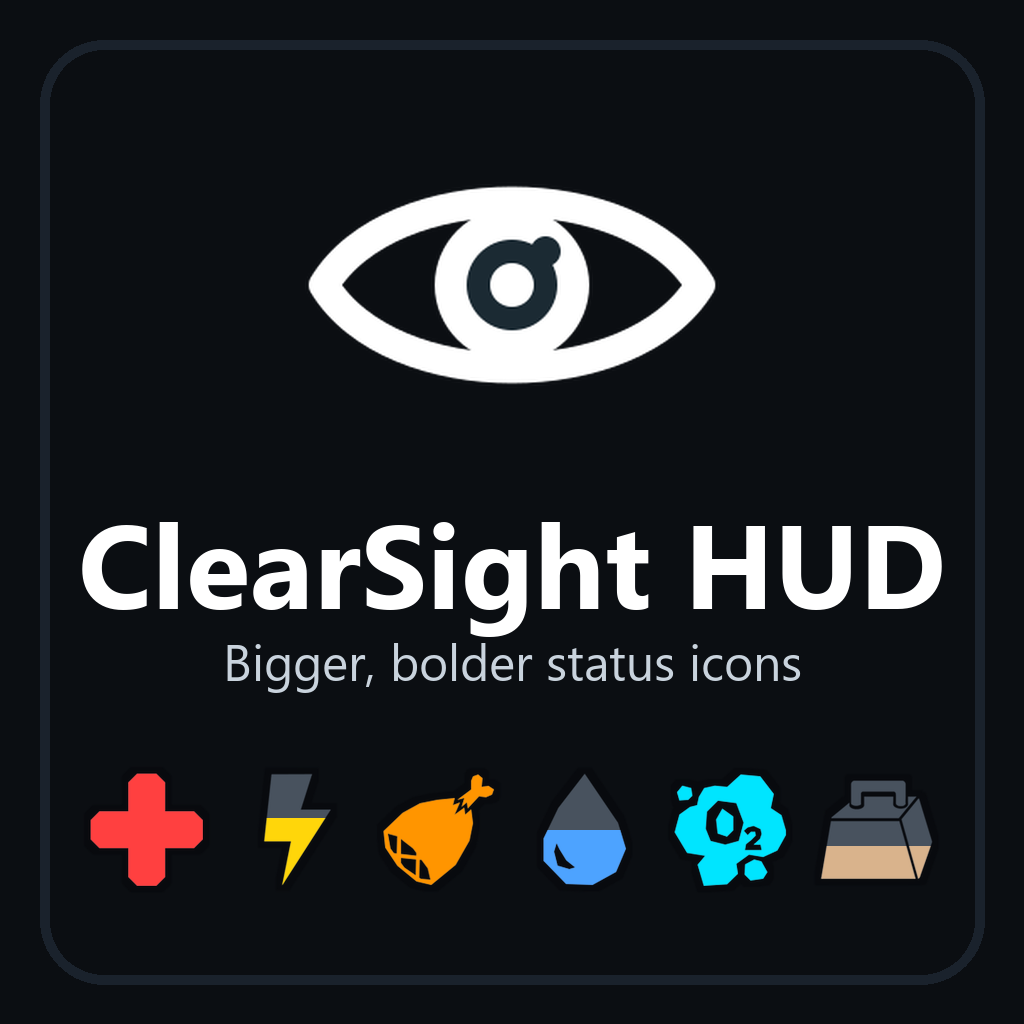
Bigger, bolder status icons, hotbar and text for players who find ARK's HUD hard to see.
ClearSight HUD restyles the status panel on the right of the screen (Health, Stamina, Oxygen, Food, Water, Weight, Torpor, XP) for you and for the creature you ride, and can enlarge the hotbar, notifications and chat. It changes nothing about gameplay.
What it does
- Larger icons. Six sizes, from 100% to 220%.
- A dark outline on every icon, so it stays readable against sky, snow, water or night.
- One strong colour per stat, with three schemes: High Contrast, Red-Green Safe and Blue-Yellow Safe. Every stat keeps its own icon shape, so colour is never the only cue.
- Numbers on the icons, with their own outline. No need to hold H. You can switch them off.
- A warning you can't miss. While a stat is in danger its outline blinks white, once a second: Health below 25%, Stamina below 15%, Oxygen below 30%, Food or Water below 20%, Weight above 85%, Torpor above 50%. An "Early" setting starts the warning sooner, and an optional chime plays when a stat enters its warning range.
- A brighter damage flash. The icon pulses white instead of dark red.
- Room for your mount. While you ride, the creature's icons sit in a second column beside yours at the larger sizes, so nothing overlaps.
- Move the panel. Keep it in the corner or bring it in towards the centre of the screen, for a narrow field of view or a very wide monitor.
- A larger hotbar. 100, 125 or 150% of your own hotbar size, with item icons, stack counts and slot numbers.
- Larger text. Notifications at the top of the screen, the day / time / location lines shown while you hold H, chat, and the item counts on the hotbar: 100, 125, 150 or 175%. A notification too long for the screen is shown smaller so you always see all of it.
How to change the settings
Hold R (the reload button) and pick the eye icon, "ClearSight HUD". Then choose:
- Size to step through 100, 125, 150, 175, 200 and 220%.
- Colours to step through the three schemes.
- Numbers to switch the numbers on or off.
- Position for Edge, Inset or Far inset.
- Hotbar for 100, 125 or 150%.
- Text for 100, 125, 150 or 175%.
- Warnings for Normal or Early.
- Sound cue to switch the chime on or off (off to begin with).
Each pick applies within a second and is remembered on your own device. Every player has their own settings. The first time you play with the mod, a notification tells you where the settings are.
Good to know
- It restyles ARK's own HUD in place. Mods that replace the status panel may clash with it.
- With every setting left alone, only the status panel changes. The crosshair is as in the base game, which has its own size and colour options.
- At the largest sizes the mod may draw the panel a little smaller than chosen, so that a full column of icons always fits on screen.
- Nothing blinks or flashes faster than three times a second.
- Works in single player, when one player hosts for friends, and on unofficial servers. Official servers do not run mods like this one.
- It also works for characters that existed before the mod was added.
For server admins
No settings and nothing to configure. The mod adds one hidden effect to each player that only changes that player's own HUD; it has no effect on stats, creatures, items or the world.