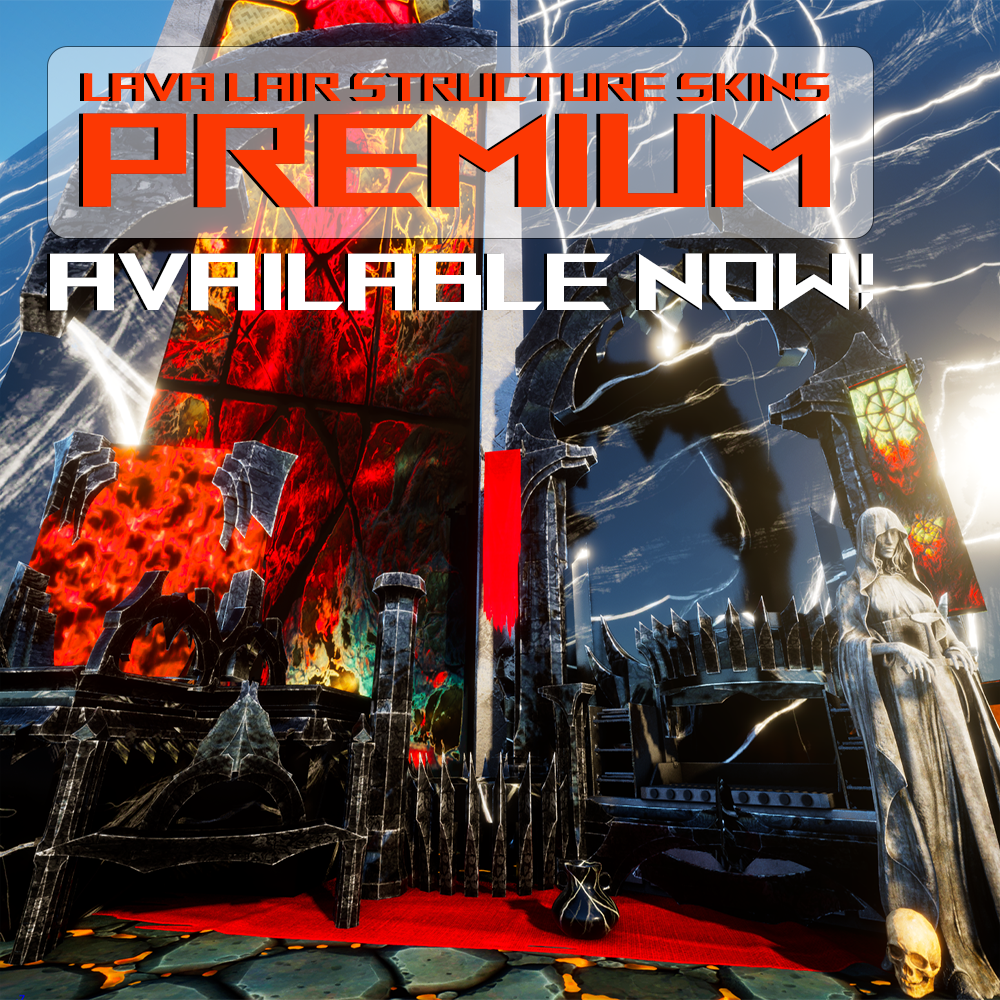
Obsidian spikes and flowing lava structure skins to create a villain's lair worth brooding in!!
Accented with rough iron, dark stained glass art, and twisted metal wire.
This mod contains 4 structure skins sets:
- Obsidian: Paintable skins for all base building pieces, plus furniture, decor boxes and lights (apply to the Wasteland Lights)
- Lava: Skins for all base building pieces, metal details are paintable
- Paintable Lava: A copy of the lava set but with white lava that can be painted any color
- Workstations: Skins for almost all workstations including BTT! Cookers, benches, forges, garage, storages, generators, and much more! Almost all have paintable elements.
Major thanks to @the handyman (discord) / @TheHandymanbuilds (YouTube) for the amazing video!!!
For a complete list of skins available in this mod and my other mods, check out this Google doc: https://docs.google.com/spreadsheets/d/1iEEhOGR0J43FcPDr2PannSZMPFzIsKVKPBIjt9XsC3A/edit?gid=615704646#gid=615704646
To stay up to date on all my mods, flag bugs or get help with an issue ASAP, join The Rose Garden on Discord here: https://discord.gg/ZeqQREZwAx
FAQ
Q: How do I use your mods? A: My structure skins are custom cosmetics, so they are only installed on the client side; they should not be installed on servers. There are no engrams or crafting needed, just select my mod from your custom cosmetics menu, equip it in your hotbar, and then hover over supported structures to apply. I HIGHLY suggest using the amazing Automatic Base Skinner mod from Quellcrest for easier use of the variant system and skinning large bases. That mod does have to be installed on your server (ID: 1104175)
Q: Why do my textures look blurry in game? A: While I am always working to better optimize textures and materials, there are some limitations depending on your hardware. If your textures don't look like the ones in the pictures/videos, please try adjusting your graphics settings or using console command r.streaming.PoolSize 0 (PC) or r.streaming.PoolSize 3000 (console).
Q: I can't equip the skins to my hotbar, how do I fix this? A: Go to the "Item Cosmetics" tab in your character menu. It's right next to "Apply Cosmetics". If there's a skin in there, drop it and then go back into the "Apply Cosmetics" tab and try putting skin into hotbar again. ( Big thank you to Pick1e for figuring this out!!)
Q: I found a bug, how do I report it? A: First check out known-issues to make sure that your bug has not already been reported. Head over to bugs-suggestions-requests after completing verification and you'll be able to submit a bug. Thank you for helping make the mod better!
Q: Why doesn't your mod work on _ structure piece? A: While I aim to make skins for as many structure set pieces as possible, I can't cover every single one. If you'd like to request a skin be added for a specific piece, you can submit a ticket in the Discord.